
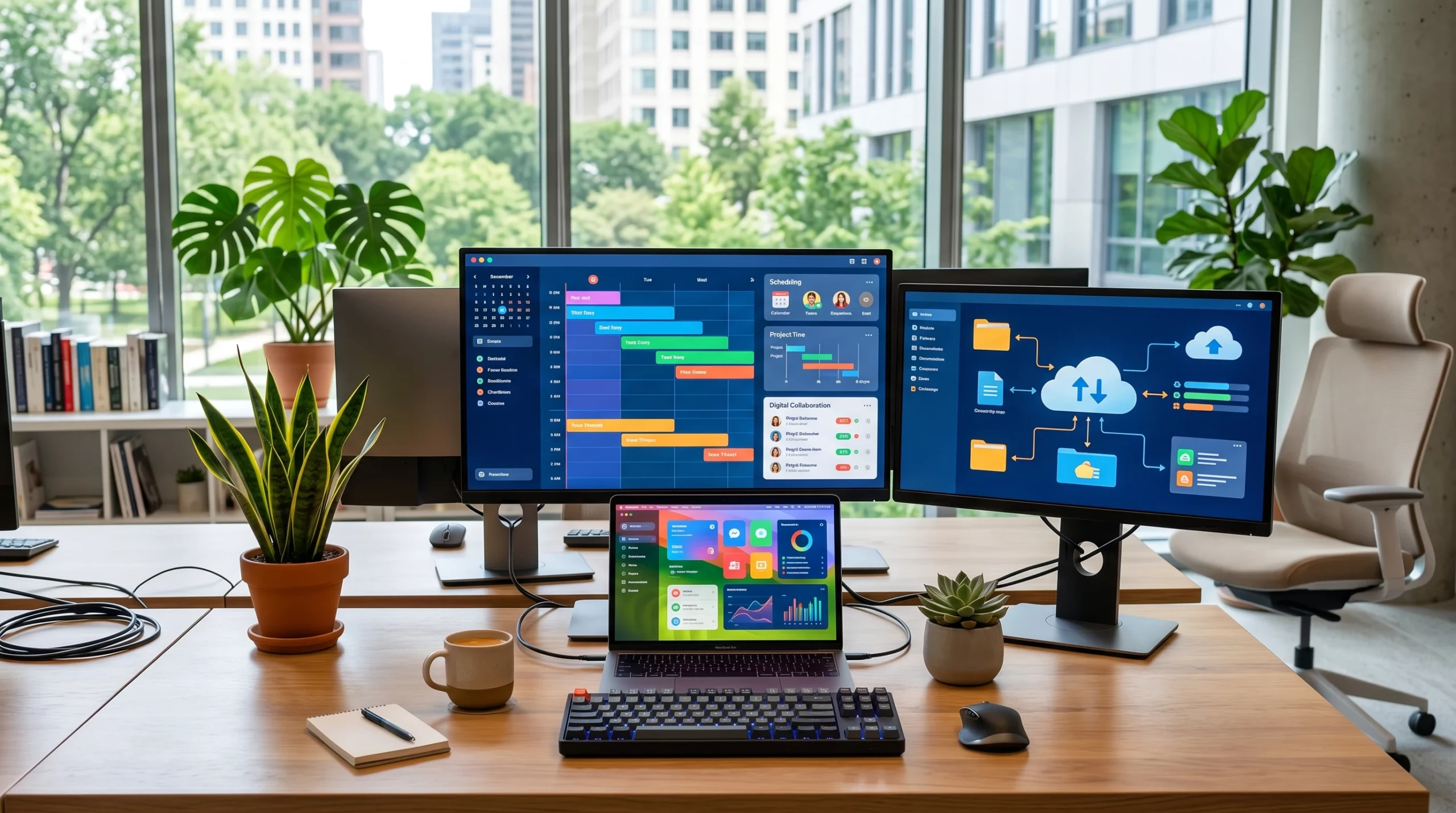
Flexible working is no longer just a passing trend; it’s grown into a new expectation for many jobs. Whether you work part time from home or shift your hours to suit your life better, technology is what keeps all the moving pieces connected and productive. In this article, I’ll share how you can make the most of tech so your flexible work setup runs smoothly and you keep feeling included and productive, no matter where you’re working from.
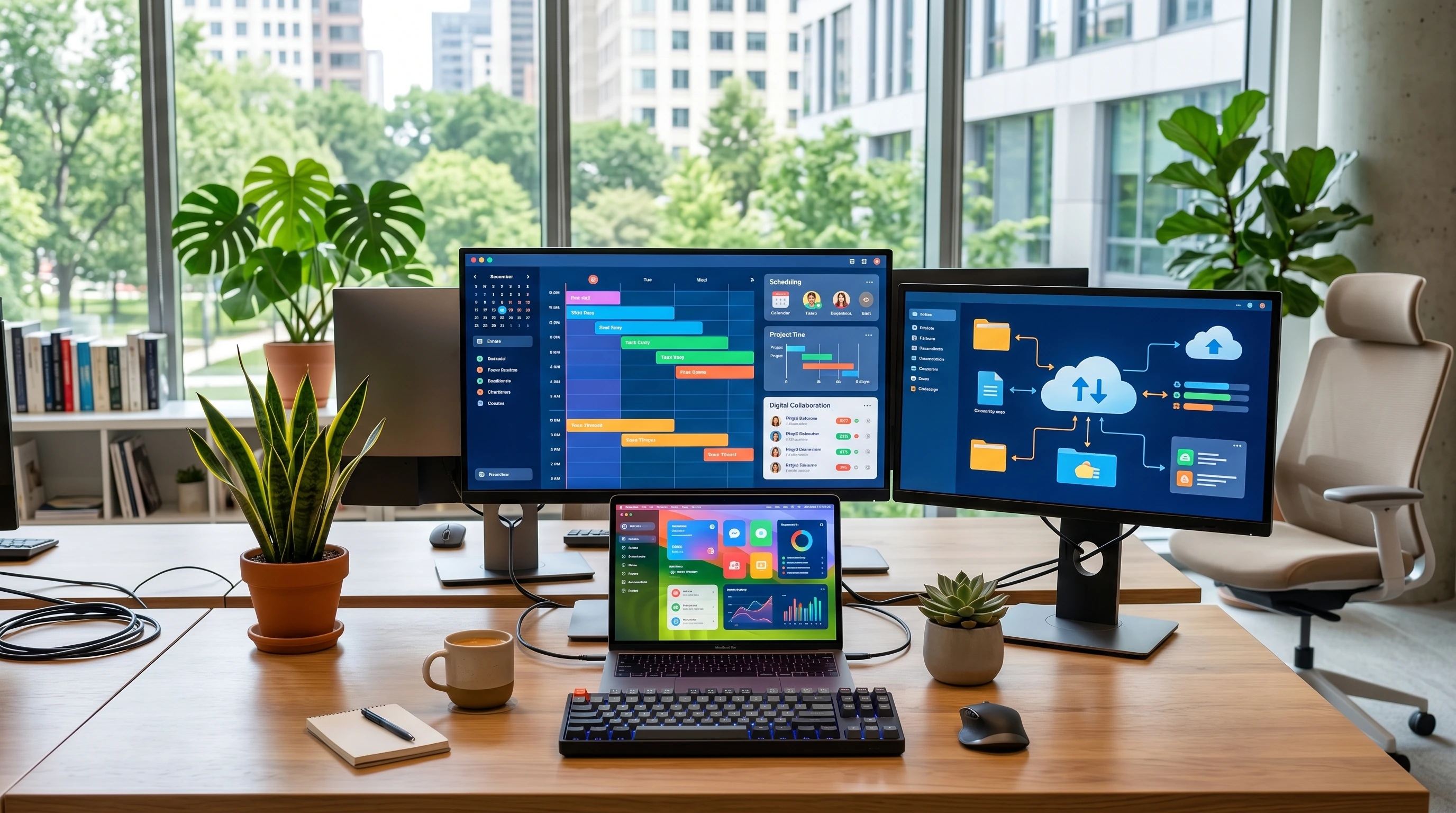
Why Flexible Working and Tech Go Hand in Hand
Technology has pretty much made flexible work possible in the first place. Before high speed Internet, video calls, and cloud storage, getting serious work done usually meant being in the office. Now it’s normal for teams to work from different locations, thanks to tools built for remote access and realtime collaboration.
Remote and hybrid work policies have shifted what we expect from our employers. According to a 2023 Gartner report, over 70% of workers now expect some form of remote option, and companies competing for talent have responded by building techfriendly workplaces. Smart use of tech isn’t just about convenience; it helps teams work smarter and keeps employees feeling connected, even when they’re miles apart.
Finding Your Best Workspace: Office, Home, or Hybrid
Figuring out where you work best depends on your job and personality. Some folks thrive on the buzz of an office, while others need quiet time at home to really get into projects. For many people, a mix of both—a hybrid style—fits best.
Technology gives you the freedom to pick your ideal workspace. With a solid laptop, fast Wi-Fi, and cloud-based tools, you aren’t tied to a desk. Apps like Microsoft Teams, Zoom or Slack will let you jump into meetings from anywhere, while project management software (like Trello or Asana) keeps your tasks on track no matter where you check in.
- Home Office: Great for focused work, taking care of family, or ditching the commute. Make sure you’ve got an ergonomic chair (this is so important), reliable Internet, and access to all the digital resources you need.
- Company Office: Super useful for group brainstorming, training, and keeping company culture strong. Most offices now include conference rooms equipped with video calling so everyone can join in, even if half the team is remote.
- Hybrid Model: Lets you schedule deep work at home and come into the office for key meetings or social time, mixing both approaches for the best results.
Flexible Schedules: Using Tech to Make It Work
One of my favorite things about flexible work is being able to tweak my schedule to what works best. Early risers can wrap up work before noon, while night owls save the biggest tasks for later. The real hero here is smart scheduling software that handles all the moving parts.
Shared calendars like Google Calendar or Outlook mean you always know when your teammates are available. Automated reminders make it tough to forget appointments, and integrations with Zoom or Teams will help you set up video calls in just a click. Tools such as Calendly even let clients or coworkers book times directly based on your availability, cutting out endless email chains.
- Time Zone Management: Working with people across the world? Apps like World Time Buddy will help you line up meetings across time zones with ease.
- Focus Tools: Pomodoro timers, quiet hours, and automated “do not disturb” settings will help you control distractions and carve out real focus time.
Keeping Everyone in the Loop with Tech
Communication is important when people aren’t sitting together every day. Without regular face time, it’s easy to feel disconnected or out of the loop.
Most teams use a selection of apps to stay connected: chat for quick updates (Slack, Microsoft Teams), email for longer discussions, and video calls for topics that need discussion. Cloud based file sharing via Google Drive, Dropbox, or OneDrive means everyone’s always looking at the same files, so nobody’s left wondering about the latest version.
- Status Updates: Use automated or manual status indicators in chat tools to show when you’re available, busy, or away.
- Project Management: Tools like Notion or Monday.com will keep team tasks visible, helping everyone know who’s working on what so surprises are kept to a minimum.
Making Flexible Work That Actually Works
Just having the technology isn’t enough; using it the right way matters even more. Each company and team needs a clear plan for how to use these tools, so tasks don’t slip through the cracks, and everyone stays on the same page. I’ve learned that setting clear expectations around when and how to check messages and update project boards keeps work running smoothly.
- Set Tech Guidelines: Agree on platforms you’ll use for chat, meetings, and file sharing so you don’t miss updates spread out across too many apps.
- Regular Check-Ins: Schedule short daily or weekly standups—via video or chat—to catch up, voice blockers, and review key priorities.
- Transparent Info Sharing: Keep calendars and project boards up to date so it’s clear what’s done, what’s in progress, and what needs support.
Accountability and Professionalism: Staying on Track Remotely
Flexible work means more freedom, but it also means taking ownership of your results. Being responsible is super important, whether you’re at home or working in a coworking space. Tech helps to make your progress visible and makes it easier to show what you’ve accomplished.
- Time Tracking: Digital tools like Toggl or Clockify help you log your hours, split up what you’re working on, and share that info with your supervisor when needed.
- Progress Sharing: Spend five minutes at the end of each day or week updating your status in whatever app your team uses. This little check-in helps prevent surprises and keeps your boss in the loop, even if they’re remote.
- Self-Management: Use digital to-do lists and daily planners to keep yourself organized and productive. Automatic reminders still come in handy for dodging missed deadlines.
Respect and Team Culture in a Digital Workspace
Tech can make it feel like we’re always “on”, but it’s important to respect boundaries and other people’s time zones or home commitments. I always keep my status current and avoid messaging coworkers outside their work hours unless it’s urgent. Reaching out at the right times and being understanding about delays helps build trust, even across hybrid teams.
- Set Communication Hours: Agree on “core hours” for meetings or quick responses and use scheduled messages for after-hours ideas or requests.
- Celebrate Wins: Use group chats and video calls to shine a light on good work and connect on a personal level, just as if in the office.
- Listen and Adapt: Check in regularly about what’s working or what could be better, so everyone feels heard and included.
My Go to Tools for Smarter Flexible Working
With so many tools available for flexible work, here are a few that make a real difference for staying productive and connected:
- Video Conferencing: Zoom, Microsoft Teams, and Google Meet—great for everything from quick chats to big team meetings.
- Cloud Storage: Google Drive, Dropbox, and OneDrive—no more risking lost files or cluttered inboxes.
- Project Management: Trello, Asana, and Notion—excellent for sorting out who does what and making sure nothing gets forgotten.
- Instant Messaging: Slack and Microsoft Teams—helpful for keeping in touch without needing a meeting every time.
- Scheduling: Calendly and Google Calendar—simplifies booking time without endless back and forth.
Frequently Asked Questions
Question: What’s the easiest way to start with flexible working using technology?
Answer: Begin by setting up a home workspace with reliable Internet and download the main apps your team uses. Use shared calendars and project boards so everyone can see your schedule and progress.
Question: How do I stay connected with my team while working remotely?
Answer: Make regular use of messaging apps, keep your calendar up to date, and join video calls for meetings or social catchups. Keeping communication open and transparent helps everyone to feel included.
Question: Are there any best practices for setting up a productive flexible workspace?
Answer: Choose a space with good lighting, comfortable seating, and minimal distractions. Use noise cancelling headphones for calls and make sure all your files are saved to the cloud.
Your Flexible Work Future
Technology has changed what’s possible for work, but it works best when you use it thoughtfully. Building trust, staying organized, and keeping communication from slipping through the cracks is really important for success. Flexible working is here to stay, and a solid tech setup is the best way to make it comfortable and productive, no matter where you open your laptop. If you have other ideas, please drop a comment below.